Heide Rubiato | Full-Stack WordPress Developer

How I Approach WordPress Performance Optimization
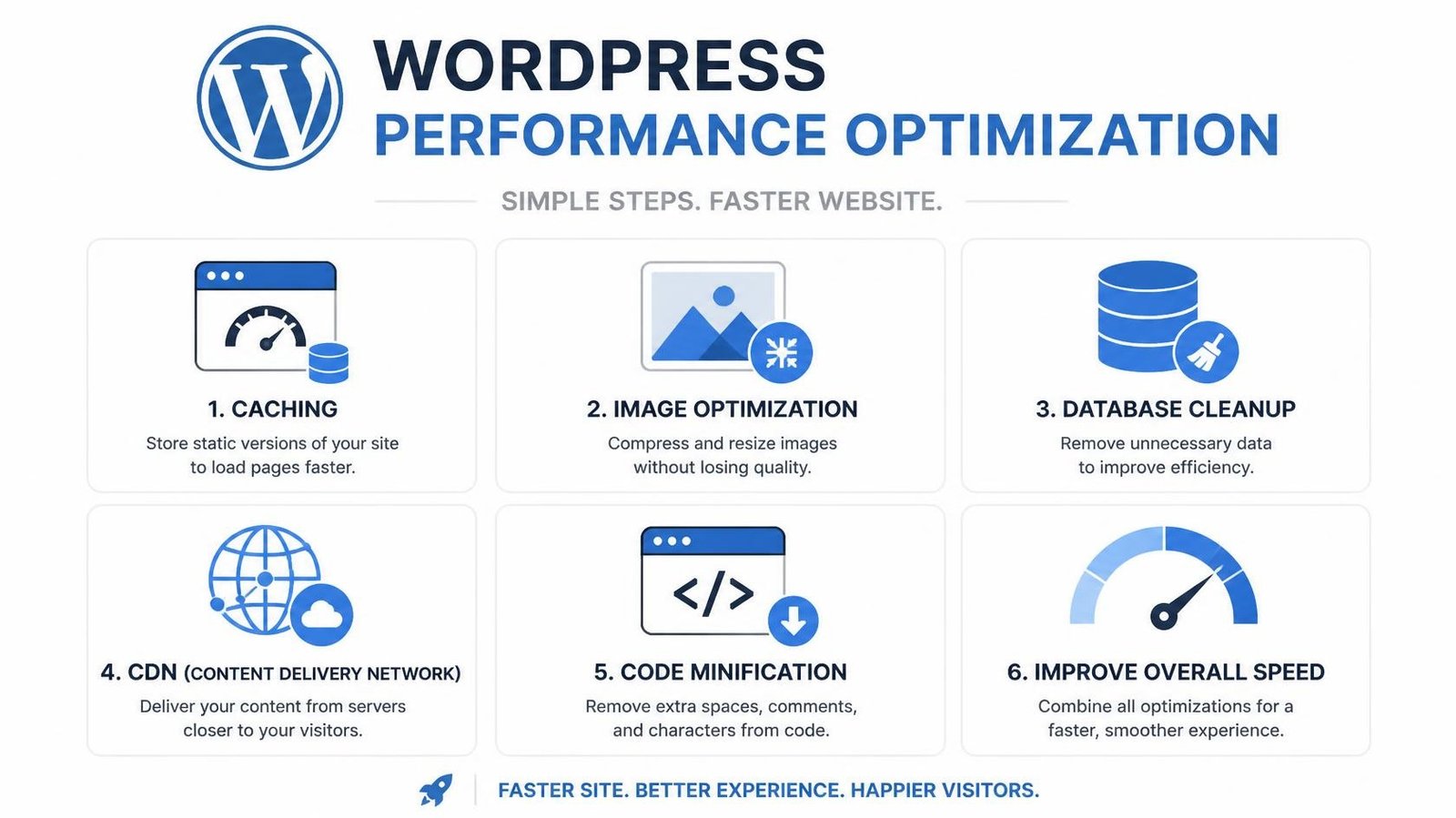
A practical, developer-led approach to making WordPress websites faster, more stable, and easier to maintain.
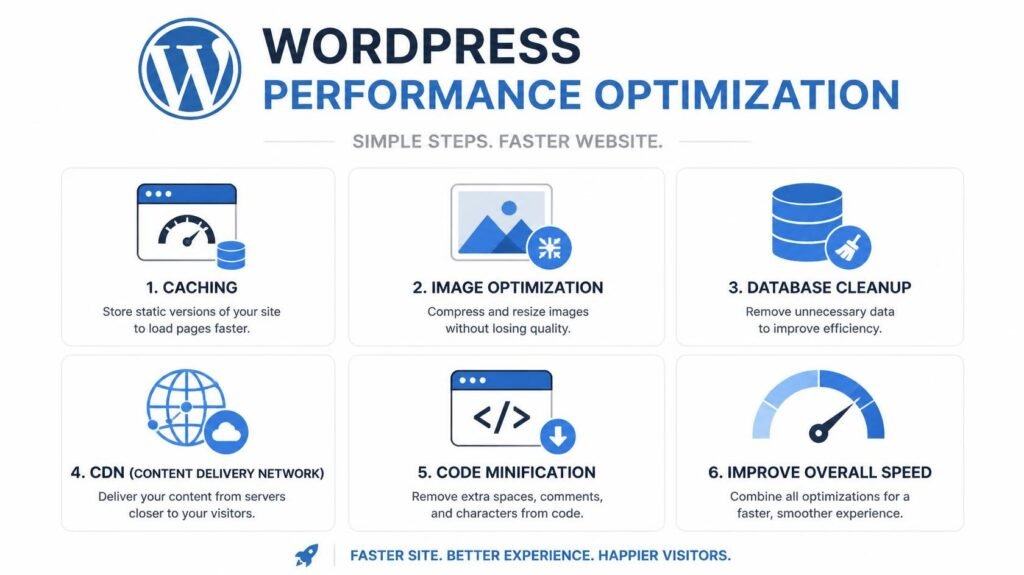
WordPress performance optimization is often treated as a checklist.
- Install a caching plugin.
- Compress the images.
- Enable a CDN.
- Minify the files.
- Run a PageSpeed test.
Done.
In real projects, it is rarely that simple.
A website can have excellent caching and still be slow because of inefficient code.
A site can have optimized images and still struggle because of third-party scripts, database queries, plugins, hosting, or the way content is generated.
My approach to WordPress performance starts with a different question:
“What is actually making this website slow?”
With more than 12 years of experience working across WordPress development, troubleshooting, hosting, SEO, and production environments, I have worked on performance improvements involving caching, CDN integration, lazy loading, image compression, frontend code, WordPress hooks and filters, and infrastructure.
I’ve also worked on websites optimized to achieve 90+ PageSpeed scores on both mobile and desktop, while balancing performance with functionality, SEO, and the needs of the business.
Here’s how I approach it.
01
Performance Optimization Starts With Diagnosis
Before changing anything, I want to understand the website.
A WordPress website isn’t just a collection of pages.
It’s a system made up of:
- WordPress core
- Themes
- Plugins
- Custom code
- Database queries
- JavaScript
- CSS
- Images
- Fonts
- APIs
- Third-party services
- Hosting
- Caching
- CDN configuration
A performance problem can originate from any of these layers.
That’s why I don’t recommend blindly installing optimization plugins.
First, I identify the bottleneck.
Then I decide what needs to change.
02
I Establish a Performance Baseline
Before optimization, I want measurable data.
Depending on the project, this can include:
- PageSpeed Insights
- GTMetrix
- Pingdom Tools
- Lighthouse
- Core Web Vitals
- Browser DevTools
- Network requests
- Server response time
- Page size
- JavaScript execution
- Image sizes
- Database behavior
- Third-party requests
The purpose isn’t to chase a perfect score.
A score is useful, but it isn’t the website.
A website can score well and still feel slow to users.
Likewise, a website can have a less-than-perfect score while providing an excellent experience because of factors that automated testing doesn’t fully capture.
The goal is to improve real-world performance.
03
I Look at the Frontend
The browser has to download, parse, and execute everything required to display the page.
That makes the frontend an important part of performance optimization.
I look at things such as:
Images
Large or unnecessarily high-resolution images can significantly increase page weight.
I look at:
- Image dimensions
- Compression
- Appropriate formats
- Responsive images
- Lazy loading
- Images loaded above the fold
My previous WordPress work includes image compression and lazy-loading implementations as part of broader performance optimization.
CSS
I look for unnecessary styles, large stylesheets, duplicated rules, and assets that don’t need to load on every page.
JavaScript
JavaScript can become a major source of performance problems when too many scripts are loaded or executed unnecessarily.
- Script quantity
- Script size
- Execution time
- Unnecessary dependencies
- Third-party scripts
- Loading order
Fonts
Fonts can also affect loading and rendering.
Where appropriate, I consider:
- Number of font families
- Number of weights
- Loading strategy
- File size
- Unused variations
04
I Look at WordPress Itself
A WordPress website can become slow because of what happens before the browser even receives the page.
This is where development experience becomes important.
I investigate:
- Plugins
- Theme code
- Custom functionality
- WordPress hooks
- Filters
- Database queries
- API requests
- Cron processes
- WooCommerce functionality
My experience includes troubleshooting existing WordPress projects, developing custom functionality, working with ACF structures, and optimizing websites at the code and application level.
At Educate For Life, for example, I optimized frontend performance through code cleanup, image compression, and improved use of WordPress hooks and filters.
That’s an important distinction.
Sometimes the solution isn’t another optimization plugin.
Sometimes the solution is better code.
05
I Review Plugins
Plugins aren’t automatically bad for performance.
The problem is usually how they are being used.
I look at:
- What plugins are installed?
- Which ones are actually required?
- Which ones load assets globally?
- Are multiple plugins doing similar things?
- Are there conflicting plugins?
- Is a plugin creating unnecessary database activity?
- Is custom functionality being added through several overlapping extensions?
If a plugin isn’t needed, removing it may be the simplest optimization.
If it is needed, I look at whether its functionality can be configured or loaded more efficiently.
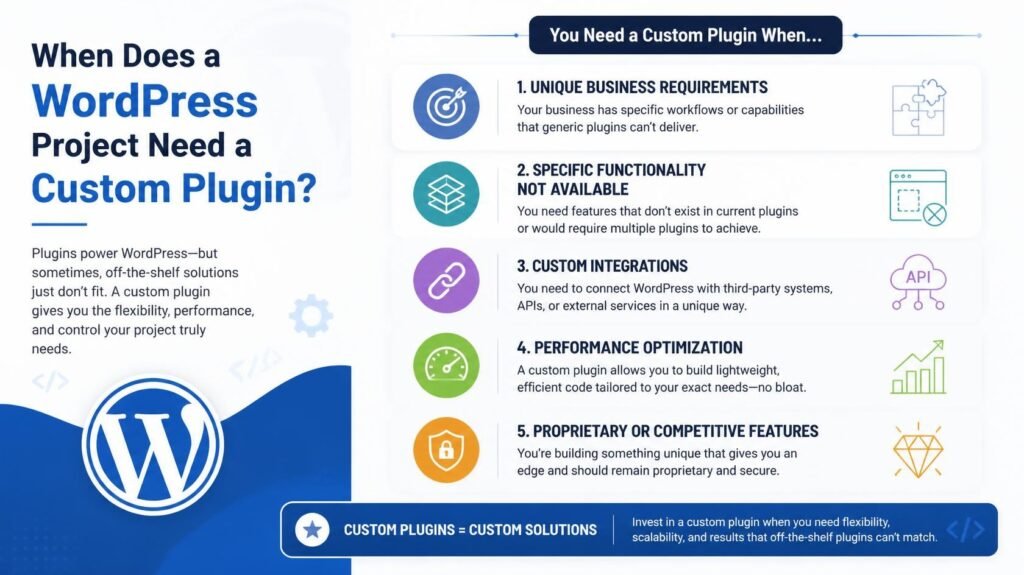
And if a plugin is trying to solve a highly specific business requirement through a complicated workaround, custom development may sometimes be the cleaner solution.
06
I Look at Caching
Caching is one of the most effective tools available for WordPress performance.
But caching isn’t simply:
Install plugin → turn everything on → hope for the best.
I consider what should be cached, what shouldn’t be cached, and how caching interacts with the site’s functionality.
This becomes especially important for:
- WooCommerce
- Logged-in users
- Membership systems
- Personalized content
- Forms
- Dynamic dashboards
- APIs
- Checkout processes
Caching needs to improve performance without breaking functionality.
07
I Use CDNs Where They Make Sense
A CDN can help deliver static assets more efficiently to users in different geographic locations.
I’ve worked with CDN-based performance optimization and Cloudflare, including managing hosting and deployments with Cloudflare for speed and security.
But again, a CDN isn’t a magic switch.
If the underlying application is generating a slow response, putting a CDN in front of the website won’t necessarily solve the root problem.
Infrastructure should support good application architecture, not compensate for bad architecture.
08
I Optimize Images
Images are often one of the easiest performance wins.
I look at:
- File dimensions
- Compression
- Image formats
- Responsive image sizes
- Lazy loading
- Above-the-fold loading
- Unused images
- Background images
The objective is simple:
Deliver the smallest appropriate asset without sacrificing the visual quality users actually need.
Image optimization has been part of my WordPress performance work alongside caching, CDN integration, and lazy loading.
09
I Consider Hosting and Server Performance
Not every performance problem exists inside WordPress.
The hosting environment matters.
I look at things such as:
- Server response time
- PHP configuration
- Available resources
- Database performance
- CDN
- Caching layers
- SSL
- DNS
- Traffic patterns
- Hosting architecture
My experience includes managing WordPress hosting and deployments across environments such as SiteGround, Malcare, ManageWP, Plesk, Flywheel, Hostinger, WPEngine, Kinsta, Hostgator, GoDaddy and Cloudflare, as well as staging and live environments.
If the server itself is struggling, frontend optimization alone won’t solve the whole problem.
10
WooCommerce Requires Extra Attention
WooCommerce websites can have additional performance considerations because they often involve:
- Product queries
- Cart functionality
- Checkout
- Customer sessions
- Dynamic pricing
- Product filters
- Orders
- Payment gateways
- Third-party integrations
I have worked with WooCommerce functionality involving checkout flows, product logic, integrations, and custom eCommerce requirements.
For an online store, optimization has to be handled carefully.
You don’t want to make a website faster by breaking the shopping experience.
The goal is to improve performance while keeping the functionality customers actually need.
11
Third-Party Scripts Can Quietly Slow a Website Down
Analytics, advertising, chat widgets, A/B testing, marketing automation, tracking, maps, social embeds, and other external services can all add requests and JavaScript execution.
I’ve worked with analytics and marketing systems including Google Tag Manager, Google Analytics, VWO, Nelio, SendGrid, and marketing automation workflows.
The question isn’t:
“Should we remove analytics?”
It’s:
“Which scripts are necessary, when should they load, and what are they costing the user experience?”
Performance optimization often means finding that balance.
12
Performance and SEO Need to Work Together
A fast website isn’t automatically an SEO-friendly website.
But performance is an important part of technical quality and user experience.
My work has included both website speed optimization and advanced SEO, including projects where websites were optimized to achieve 90+ PageSpeed scores while improving organic search visibility.
I look at performance alongside:
- Crawlability
- Crawlability
- Site architecture
- Mobile usability
- Core Web Vitals
- Content
- Internal linking
- Metadata
The website needs to work for both people and search engines.
13
I Test Before and After
Optimization shouldn’t be based on assumptions.
After making changes, I compare the results.
My goal is to identify whether the change actually improved the website.
If it didn’t, I don’t consider the job finished.
14
I Use Staging Before Production
Performance changes can affect functionality.
That’s why I prefer testing significant changes in a staging environment before deploying them to a live website.
My experience includes staging and live deployments, Git-based workflows, and production troubleshooting.
A performance optimization isn’t successful if the homepage loads 30% faster but the checkout breaks.
Speed and stability have to coexist.
15
What I Don't Do
I don’t treat performance optimization as a race to get a green score.
I also don’t recommend:
- Installing unnecessary optimization plugins
- Disabling functionality just to improve a benchmark
- Removing important tracking without understanding its purpose
- Making changes without testing
- Optimizing one page while ignoring the rest of the system
- Treating every website as if it has the same performance problem
Every website has a different architecture.
The optimization strategy should reflect that architecture.
Every website has a different architecture.
The optimization strategy should reflect that architecture.
16
My WordPress Performance Optimization Process
My process can be summarized as:
01 — Audit
Understand the current website, infrastructure, plugins, code, and performance metrics.
02 — Diagnose
Identify the actual bottlenecks rather than guessing.
03 — Prioritize
Focus on changes that provide meaningful improvements without unnecessary risk.
04 — Optimize
Improve code, assets, caching, infrastructure, database behavior, and third-party dependencies where appropriate.
05 — Test
Verify that performance improved without breaking functionality.
06 — Deploy
Move tested changes into production through a controlled deployment process.
07 — Monitor
Continue checking performance as content, plugins, traffic, and business requirements change.
17
The Goal Isn't a Better Score
A PageSpeed score is useful.
But it isn’t the final objective.
The real goal is a website that:
Loads quickly.
Responds reliably.
Works on mobile.
Handles real users.
Supports SEO.
Converts visitors.
Doesn’t break when something changes.
Can be maintained by developers in the future.
That’s what I mean by WordPress performance optimization.
My Final Thoughts
Good WordPress performance optimization isn’t about applying the same checklist to every website.
It’s about understanding the system.
After more than 12 years working with WordPress, my approach is to diagnose first, make targeted changes, measure the results, and protect the functionality that the business depends on.
Don’t optimize for a score. Optimize the system.
Tell me what feels slow, what you’ve already tried, and what you need the website to achieve.
Available for remote international WordPress development, performance optimization, technical SEO, and long-term engineering support.
Need Help With a Slow WordPress Website?
The problem may be somewhere deeper in the stack.
I can audit the existing setup, identify the bottlenecks, and determine whether the solution involves code, plugins, images, caching, CDN, hosting, WooCommerce, third-party scripts, or a combination of factors.
Let’s Improve Your Website
- BLOG